Stop an agent
Stopping is useful when you see the agent misunderstand the task, or when you want to change your instructions before it goes further.
Steps
Find Stop
While the agent works, Stop sits beside the conversation’s title. The Working indicator below the latest message ends in a stop square, and the activity panel shows Stop beside Working.
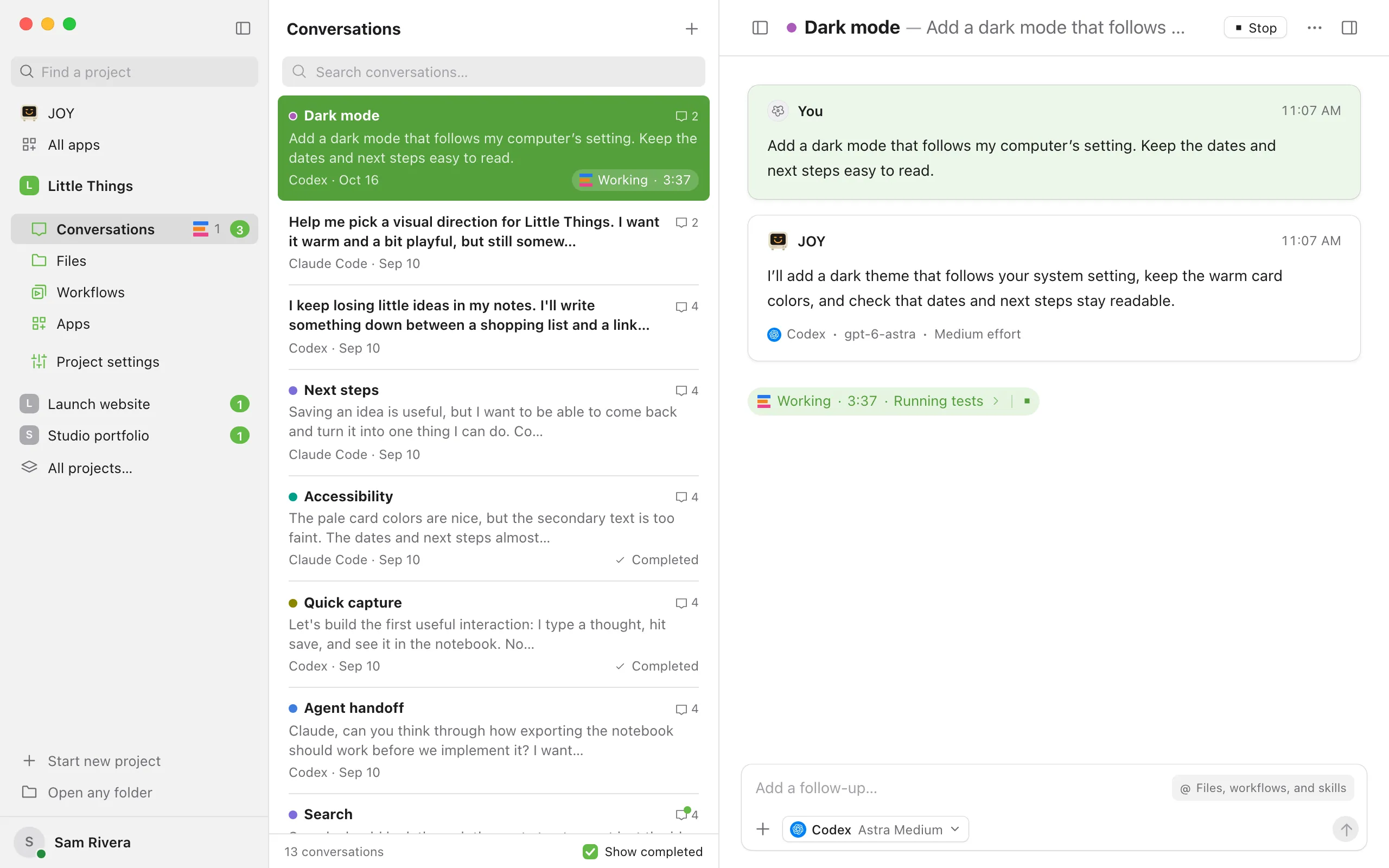
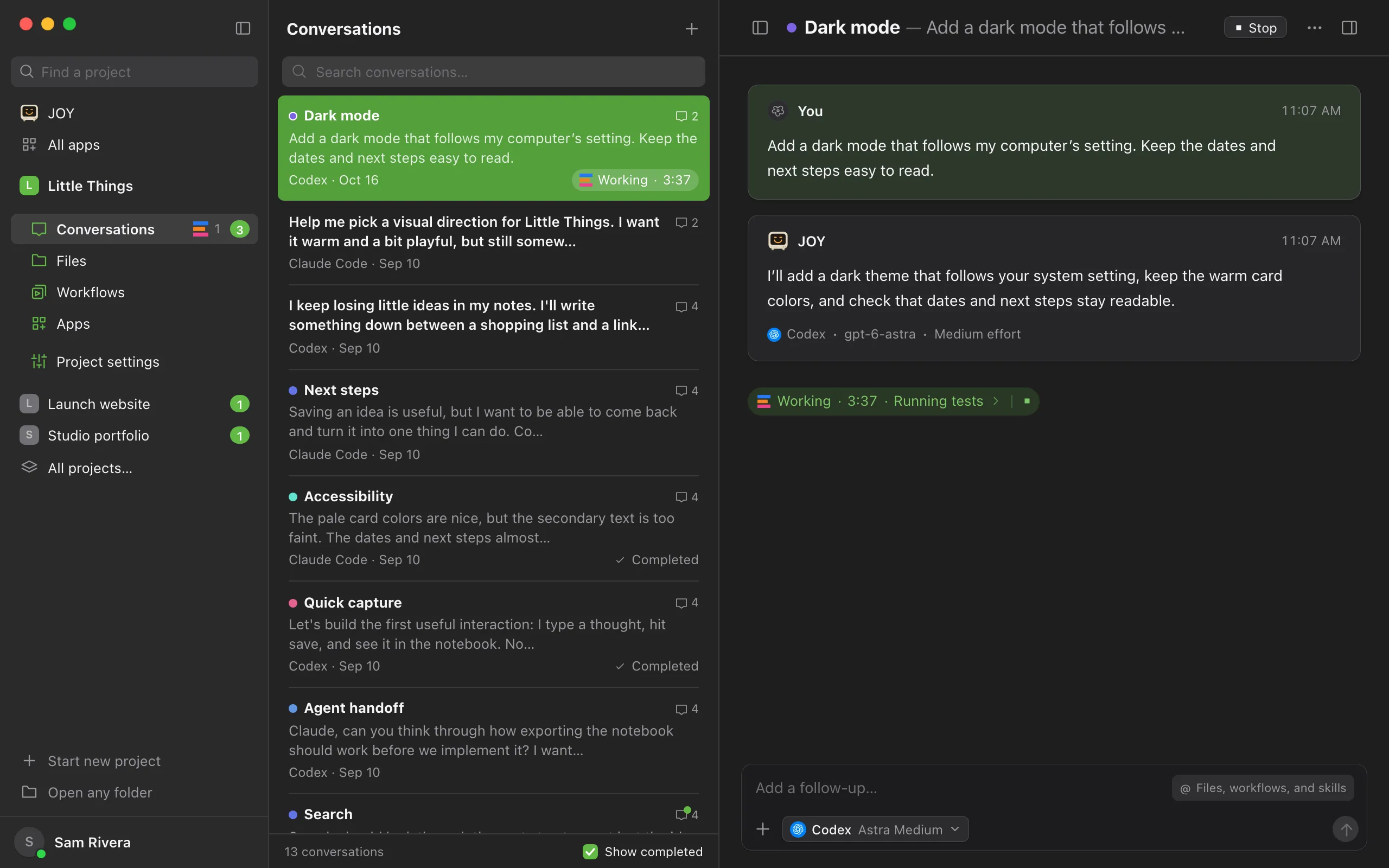
Select Stop
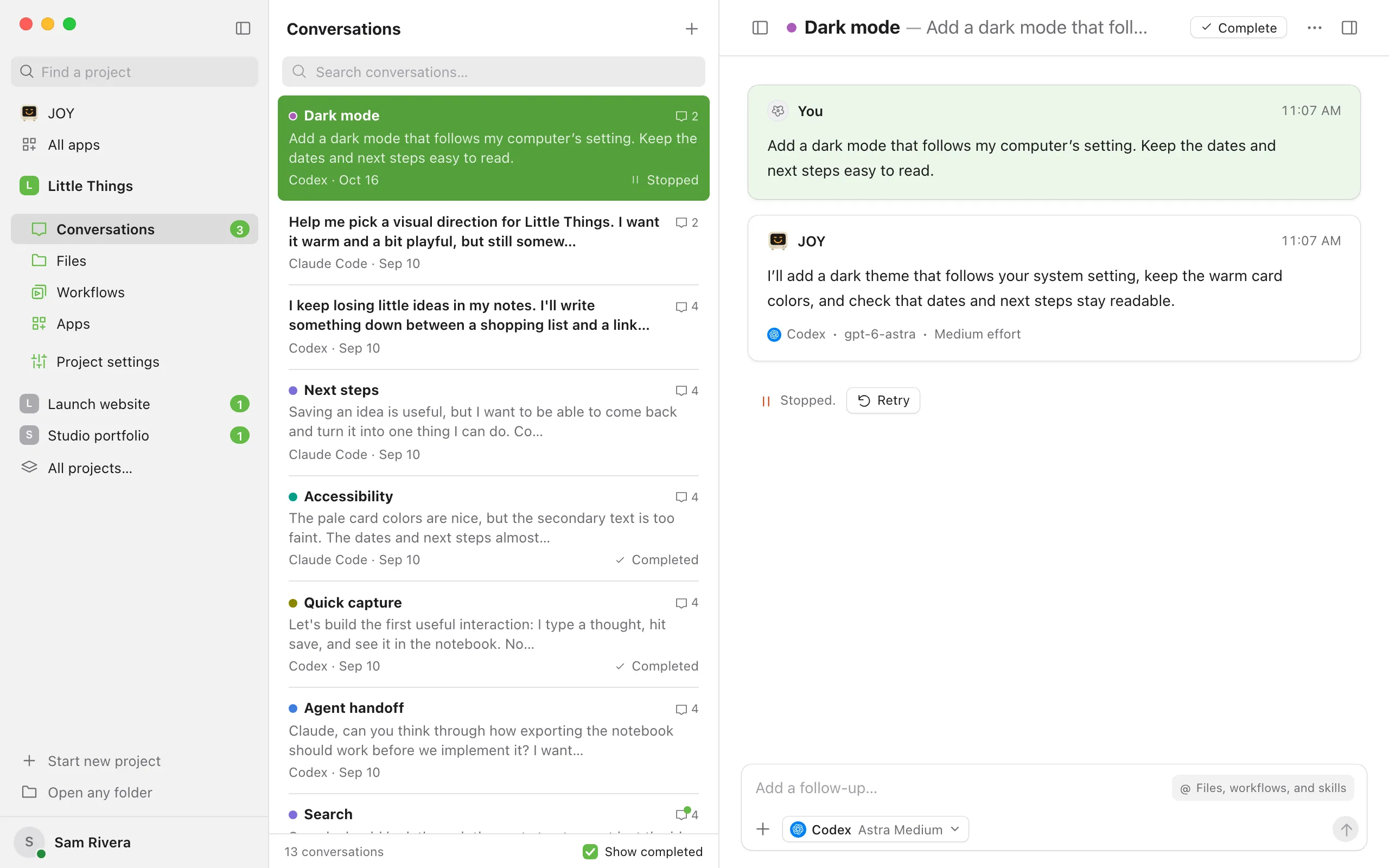
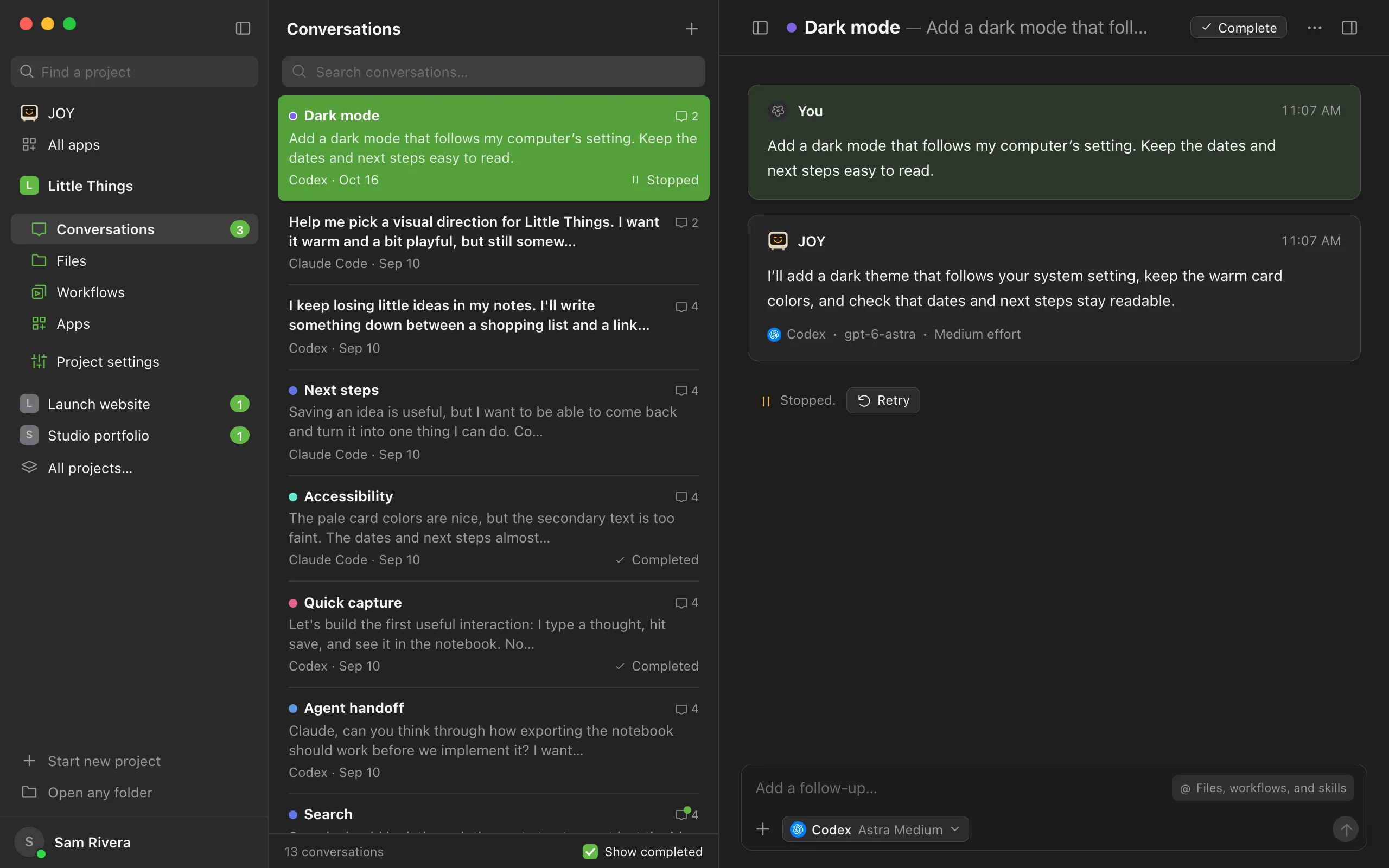
The agent stops its current work. The status changes to Stopped.
Choose what happens next
At the end of the conversation, Stopped. appears with a Retry button. Select Retry to have the agent continue the same task where it stopped, or type a new message to give it different instructions.
Good to know
- If you change the agent, model, effort, speed, or permissions in the message box after stopping, a second button appears, such as Retry with followed by the new settings. Use it to continue with those settings.
- Stop also stops any helper agents the agent started.
- To stop several agents at once, select their conversations in the list with ⌘-click (Ctrl-click on Windows and Linux) and choose Stop work beside the list. See Select several conversations at once.
- Websites and other processes the agent started keep running. To stop one, see Stop a background process.
- Changes the agent already made to your files stay in place. To undo them, see Undo changes an agent made.
- Queued messages wait while the conversation is stopped. The queue says “Queue paused. Send a message or retry to continue.”
- To give the agent a correction right away, send it with Send, then select Send now on it. Claude Code takes the correction in without Enjoy stopping it. When the button reads Stop and send, it stops the agent first. See Send follow-ups while the agent works.
- In the iPhone app, select Stop beside the working indicator at the end of the conversation, or open Conversation actions (the ⋯ button) and choose Stop.
If something goes wrong
Stop is unavailable
The agent is already stopping, or you have View only access to this shared project. If the agent seems frozen and won’t stop, see The agent seems stuck.
Retry fails again
Read the reason shown at the end of the conversation. The full error appears below it, and Details hides or shows it. See A conversation failed.