Remove a project from Enjoy
Removing a project only takes it out of Enjoy. It doesn’t delete the project’s folder, its files, or its conversations.
Steps
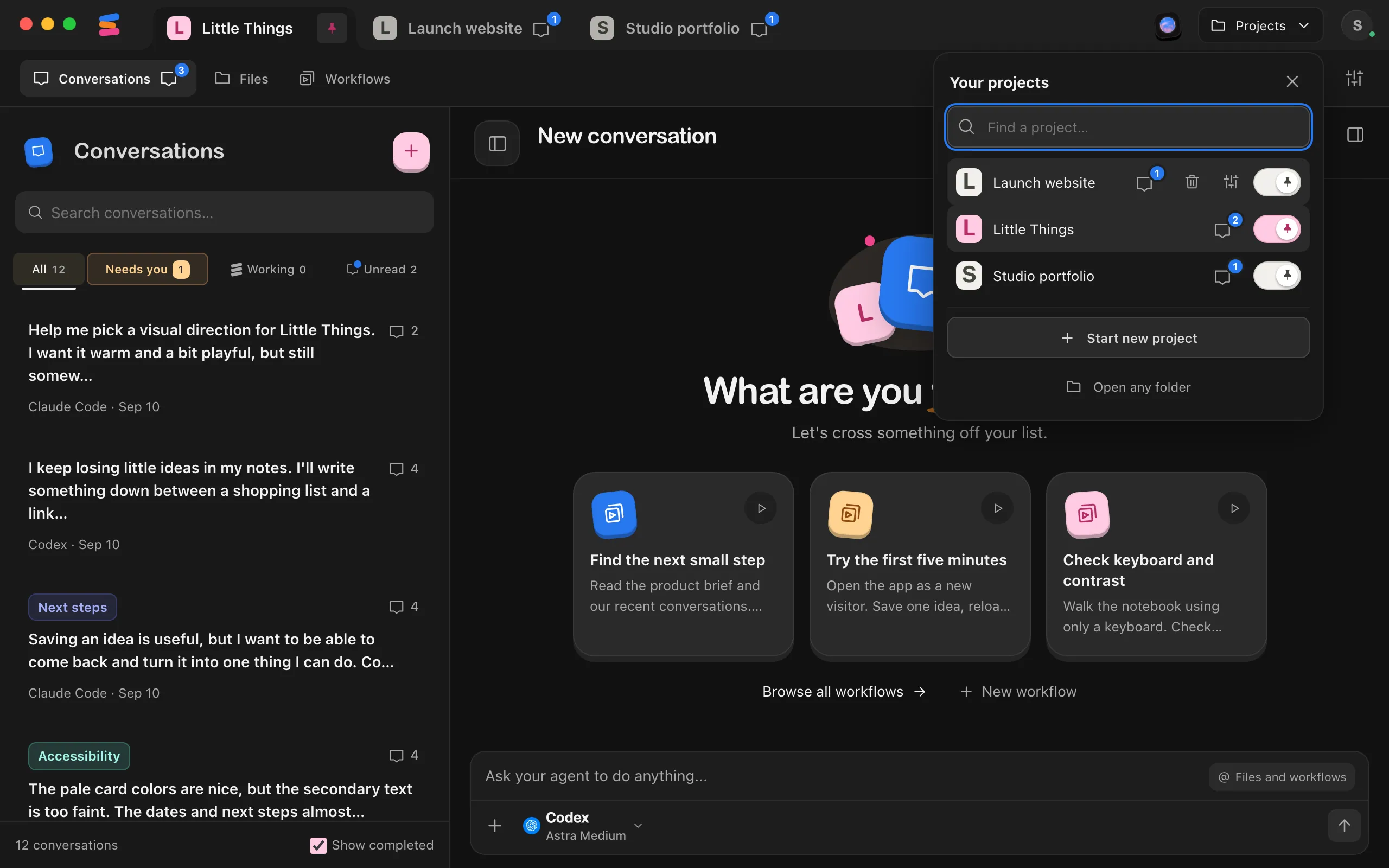
Select Projects
It’s at the top of the window, after the project tabs.
Select the trash can next to the project
Point to the project’s row and select the trash can, Remove from Enjoy.
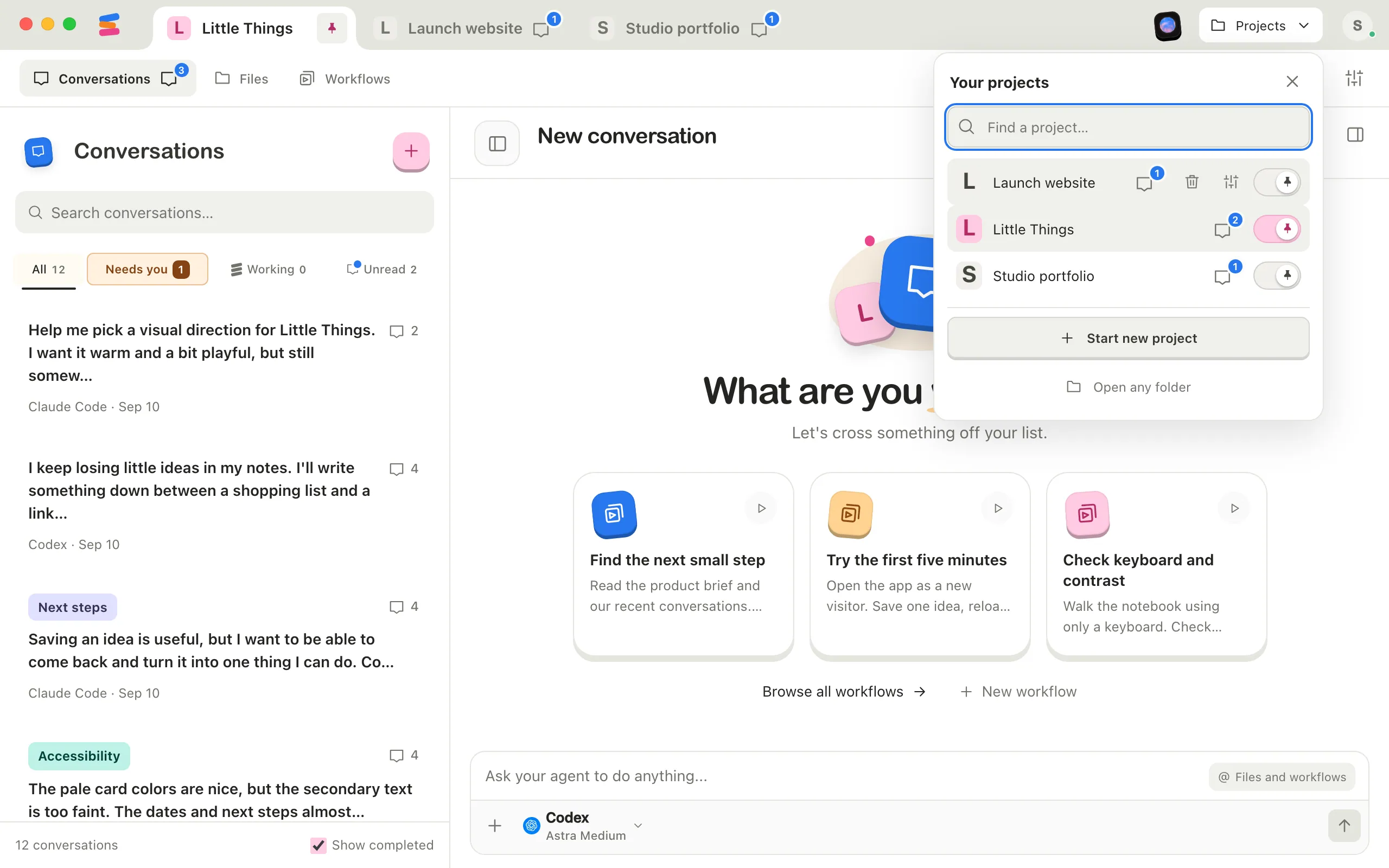
Select Remove
A window titled Remove project asks you to confirm and explains that all project files stay on disk. Select Remove. The project leaves the list and its tab disappears.
Good to know
- You can also remove the project you’re in from Project settings: select Remove from Enjoy at the bottom, then Remove.
- Removing a project stops any agent working in it, and the processes its agents started, such as a website’s server.
- All project files stay on your computer. To work on the project again, open its folder with Open any folder. Its conversations, documents, and workflows come back. See Bring an existing project into Enjoy.
- To delete the project for good, remove it from Enjoy, then delete its folder yourself in Finder, File Explorer, or your file manager. Select Open folder in Project settings first if you need to find it.
- Removing the project, or deleting its folder, doesn’t delete the conversations, documents, and workflows Enjoy keeps in its own storage. Storage in Project settings shows where they are. See Choose where a project’s conversations are stored.
- Projects that Enjoy can’t open show an alert icon in the Projects menu and on the start screen. You can remove them the same way, with their trash can button. See Fix a project that’s unavailable.
- You can only remove projects in the computer app.
If something goes wrong
“Save or resolve pending document changes before removing the project.”
A document in the project has changes that aren’t saved yet. Open it in Files, save it or resolve the changes, then try again.