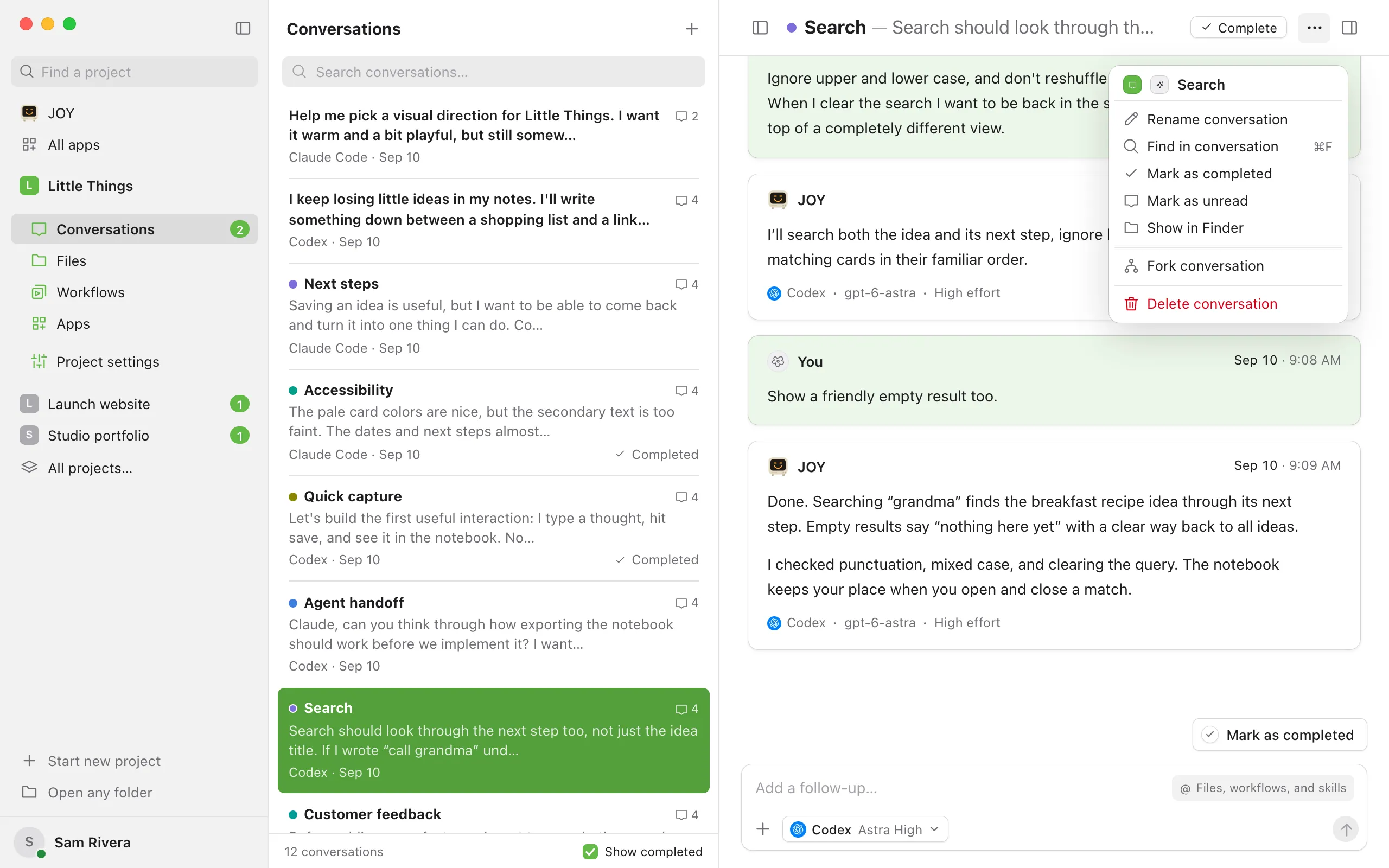
Mark a conversation as unread
Enjoy marks an agent’s replies as read when you look at the conversation while the Enjoy window is in front. Marking a conversation as unread is a way to remind yourself to come back to it.
Steps
Good to know
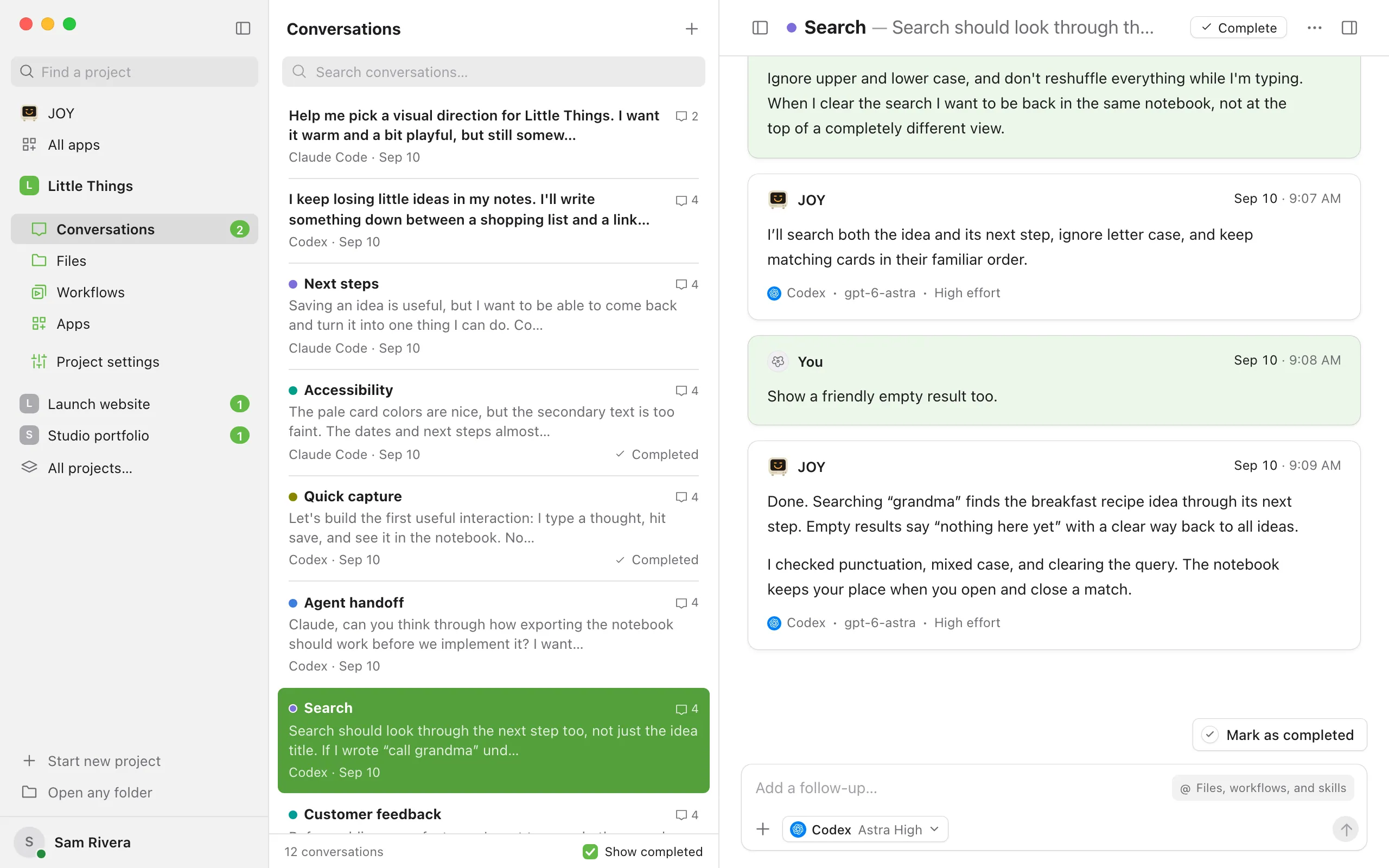
- A conversation with unread replies shows a dot on its message icon in the list. In the iPhone app, it also appears under the Unread filter.
- The number on Conversations, in the sidebar under the project, counts conversations with unread replies, or with a question or request waiting for you.
- Mark as unread is available once the agent has replied at least once.
- Opening the conversation again, with the Enjoy window in front, marks it as read.
- To mark several conversations as read or unread at once, select them in the list with ⌘-click (Ctrl-click on Windows and Linux). See Select several conversations at once.
- In the iPhone app, touch and hold a conversation in the list and choose Mark as unread or Mark as read. Inside a conversation, open Conversation actions (the ⋯ button) and choose Mark unread.