Check what changed in an app
An app’s code can change after you last used it: an agent may change it, or new code may arrive with Git, such as a teammate’s commit you pulled. Enjoy notices, and a note above the app tells you, so you know what you’re running. The note only informs: the app works the same either way.
Before you start
- Use the computer app, on the computer that runs the project.
Steps
Read the note
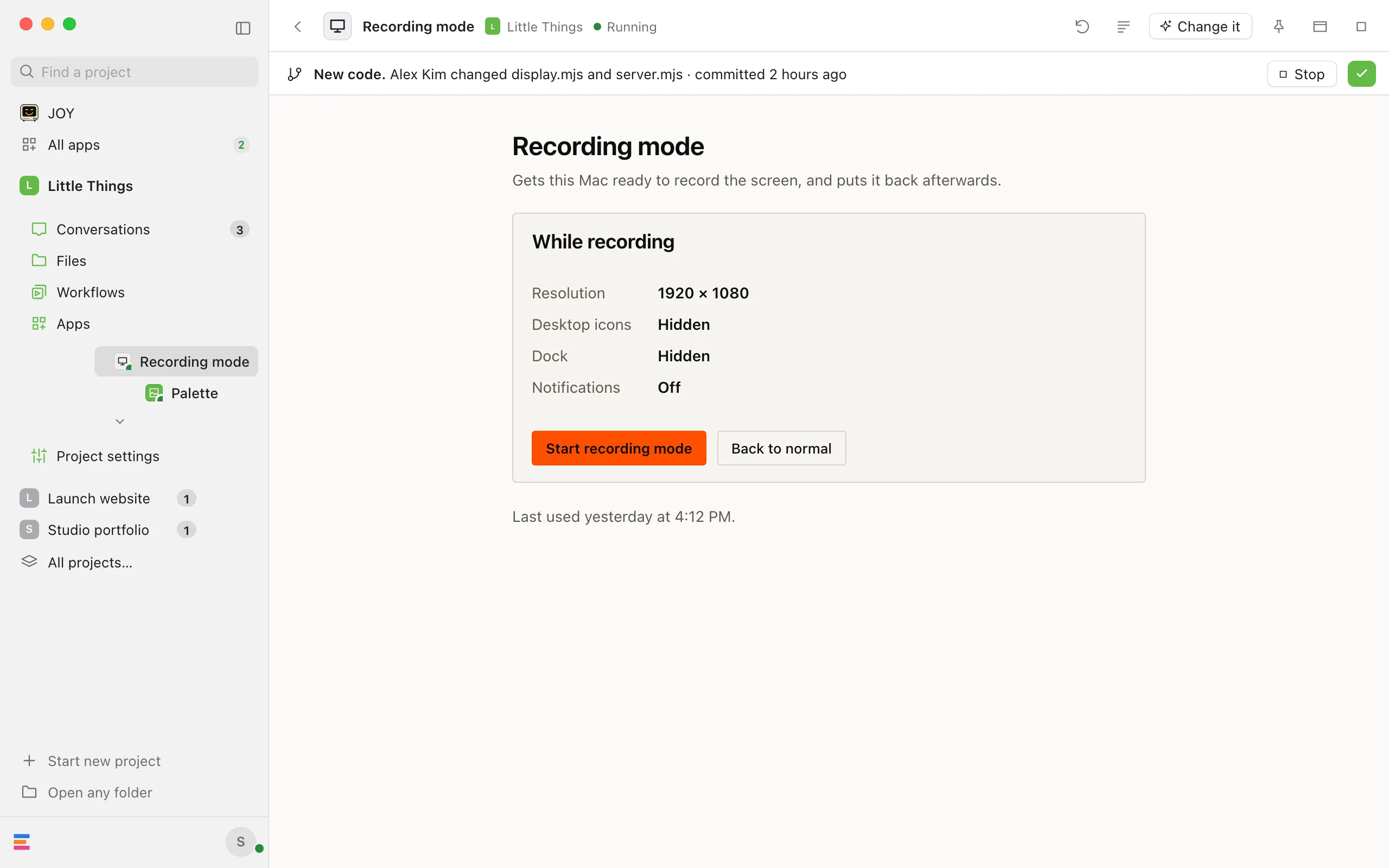
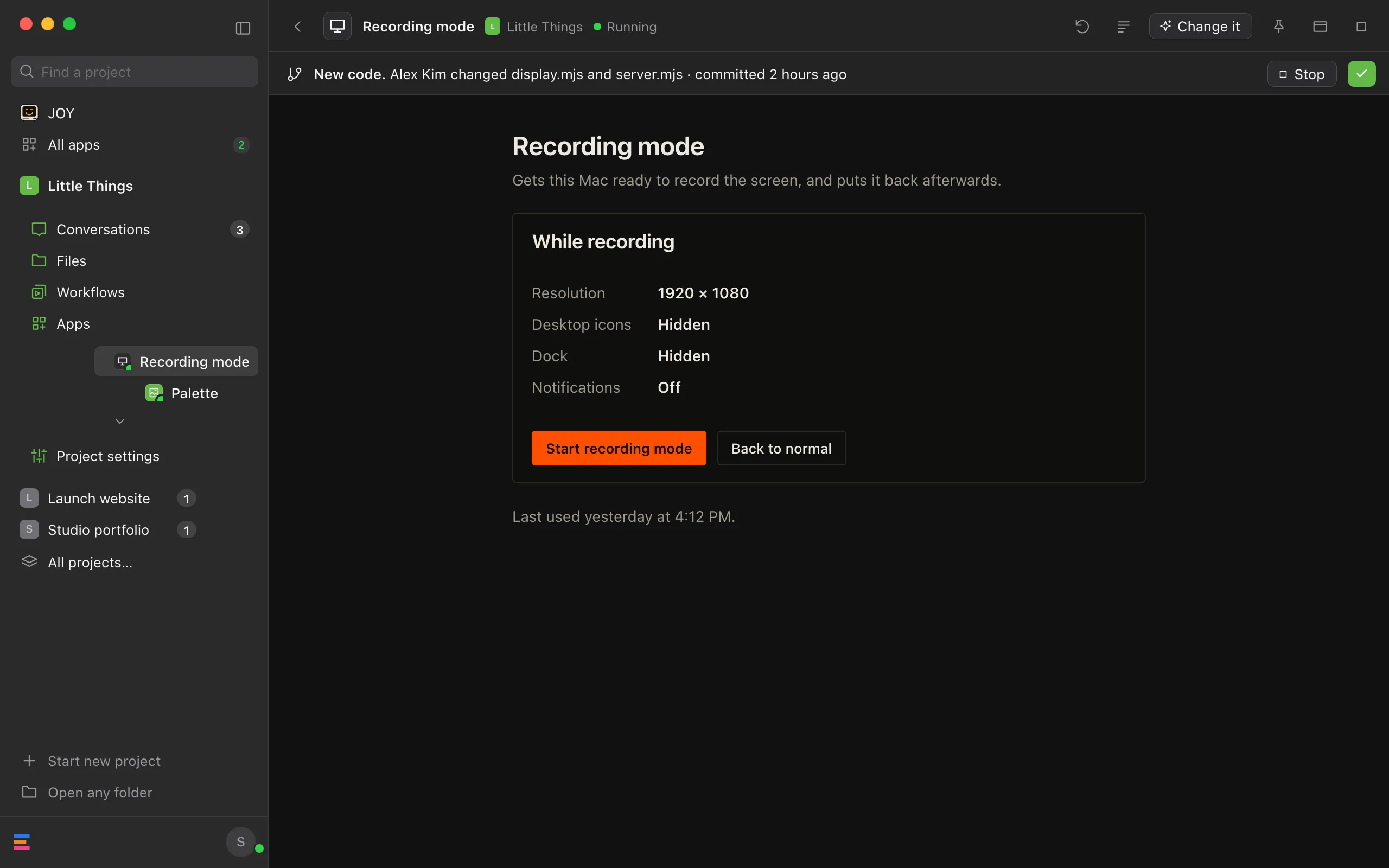
It appears under the app’s bar when you open the app, starting with New code., or New app. for an app you haven’t used on this computer before. Then it says who changed which files, and when, as far as Enjoy can tell.
Mark it seen
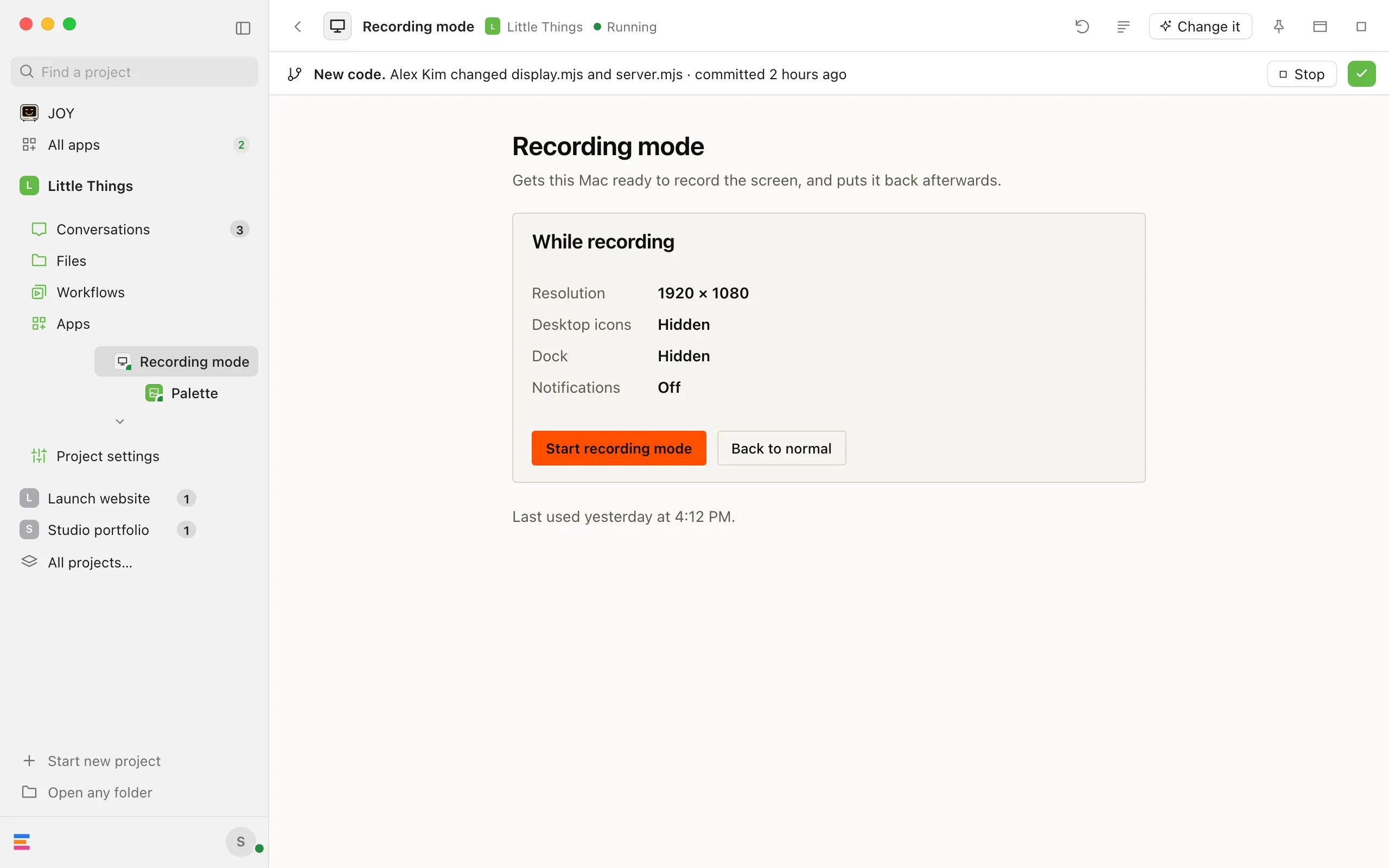
Select the check button at the end of the note (Mark seen). The note goes away until the app’s code changes again.
Or stop the app first
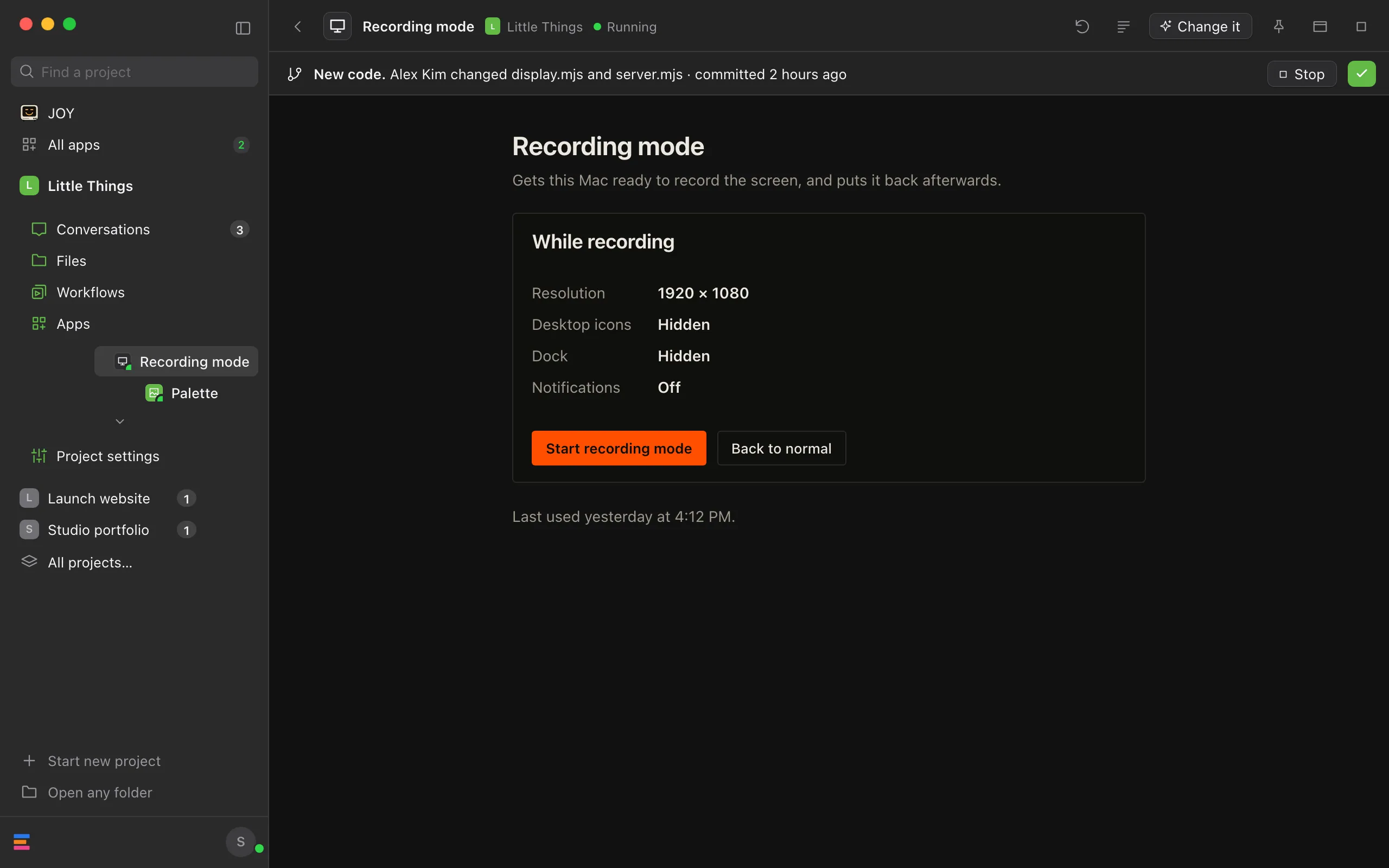
For an app with a server, select Stop in the note while the app runs, to stop it while you look at the changes. Enjoy goes back to Apps. The code is in the app’s folder in
enjoy-apps, which you can open in Files, or ask an agent what changed.
Good to know
- What the note can say:
- New app. Added by a name · committed a time: you haven’t used this app on this computer, and its files are as that person’s Git commit left them.
- New code. A name changed some files · committed a time: the app changed since you last saw it, and its files are as that commit left them.
- New app on this computer.: you haven’t used this app on this computer, and its files don’t match a commit, or Git doesn’t track them.
- New code. Changed on this computer: some files: they changed on this computer since you last saw them, without a commit, for example by a program or an agent.
- New code. Changed in a conversation’s name from a device’s name: an agent changed the app in a conversation you asked for from another device, such as your phone, or “another device” when Enjoy doesn’t know its name. It starts with New app. instead for an app you haven’t used on this computer.
- Long lists of files end like “server.mjs, index.html and 3 more”.
- A grey line starting with “Git couldn’t say who changed the app” means Git didn’t answer. The rest of the note still holds.
- A grey line saying “Some files weren’t checked.” means the app has more files than Enjoy compares: over 5,000 files, over 50 MB, or folders more than 12 levels deep. Changes to the files past those limits may not show in the note.
- Apps made or changed by a conversation on this computer count as seen, so they show no note. Changes asked for from another device always show a note.
- The same note shows on one line above an app beside a conversation, and above a file that’s open in the app in Files.
- The note never stops an app or keeps it from opening. The one exception: Enjoy doesn’t run server code you haven’t seen on its own. When the way an app’s server starts changes while it runs, or its server stops by itself after its code changed, and you haven’t seen the change, Enjoy stops the app, and its page says “It changed since it last ran, so it waits for you to start it.” Select Start with the app’s name when you’re ready.
- What you’ve seen is remembered on each computer. Another computer shows its own notes.
- The note shows only in the computer app, not in the web app or the iPhone app.
- Enjoy doesn’t look in hidden folders, such as
.data, or innode_modules, so changes there don’t show in the note.
If something goes wrong
“The app changed again. Check it once more.”
The app changed again while you were reading the note. The note now shows what it is now. Read it, then select Mark seen again.
“Couldn’t check what changed”
Enjoy couldn’t read the app’s folder, and the rest of the line says why. Select Try again.