Keep a project's apps out of Git
Git is a tool that keeps a history of a project’s files. When an agent makes an app, its folder goes into enjoy-apps in your project, and Git saves it with everything else, so anyone who copies the project from Git gets your apps too. If your apps are for you alone, keep them out. See What are commits, branches, and pushing?
Before you start
- Use the computer app, in a project on that computer.
Steps
Open Apps
Select Apps in the rail on the left side of the window.
Open the enjoy-apps menu
Select enjoy-apps, next to New app at the top.
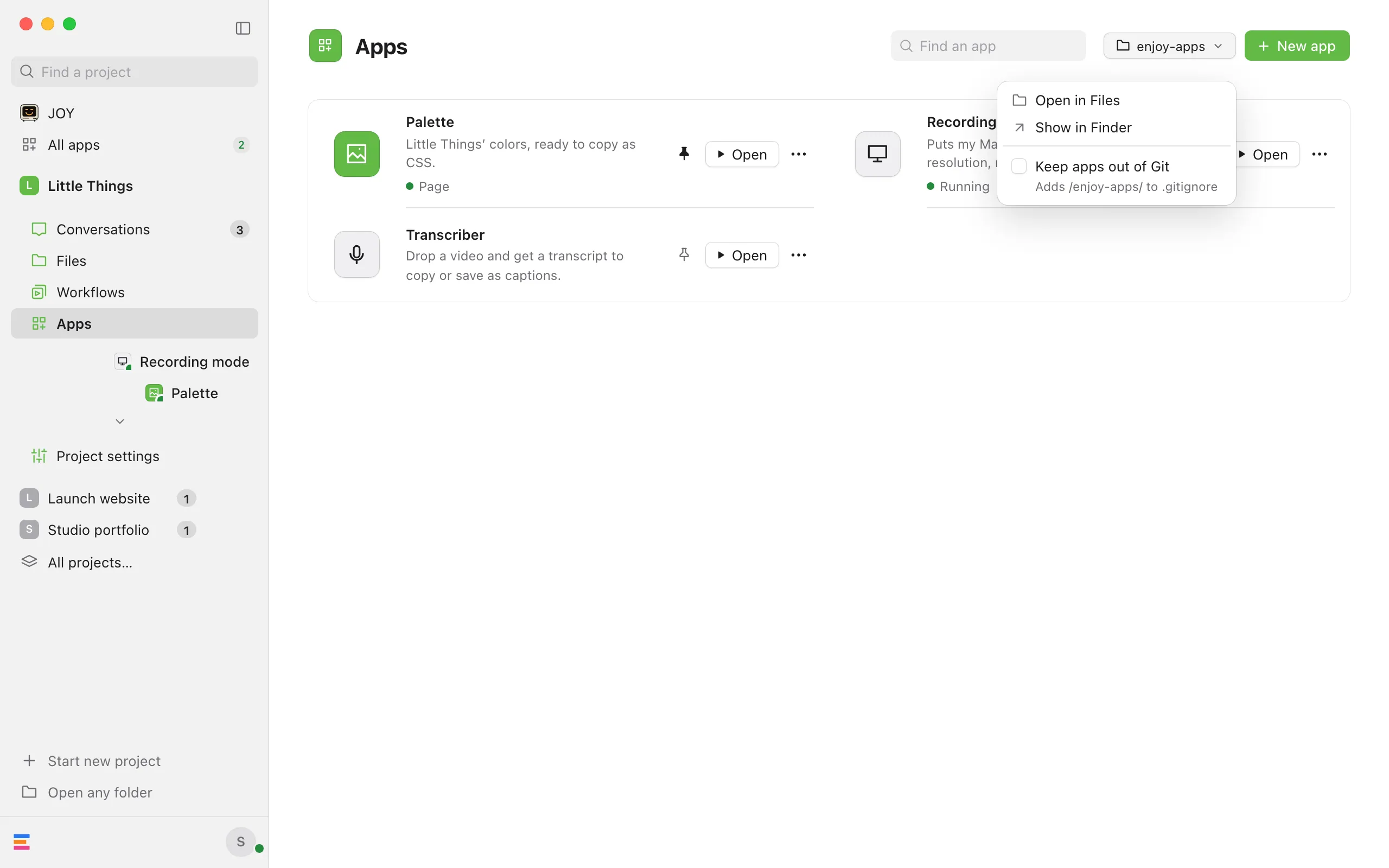
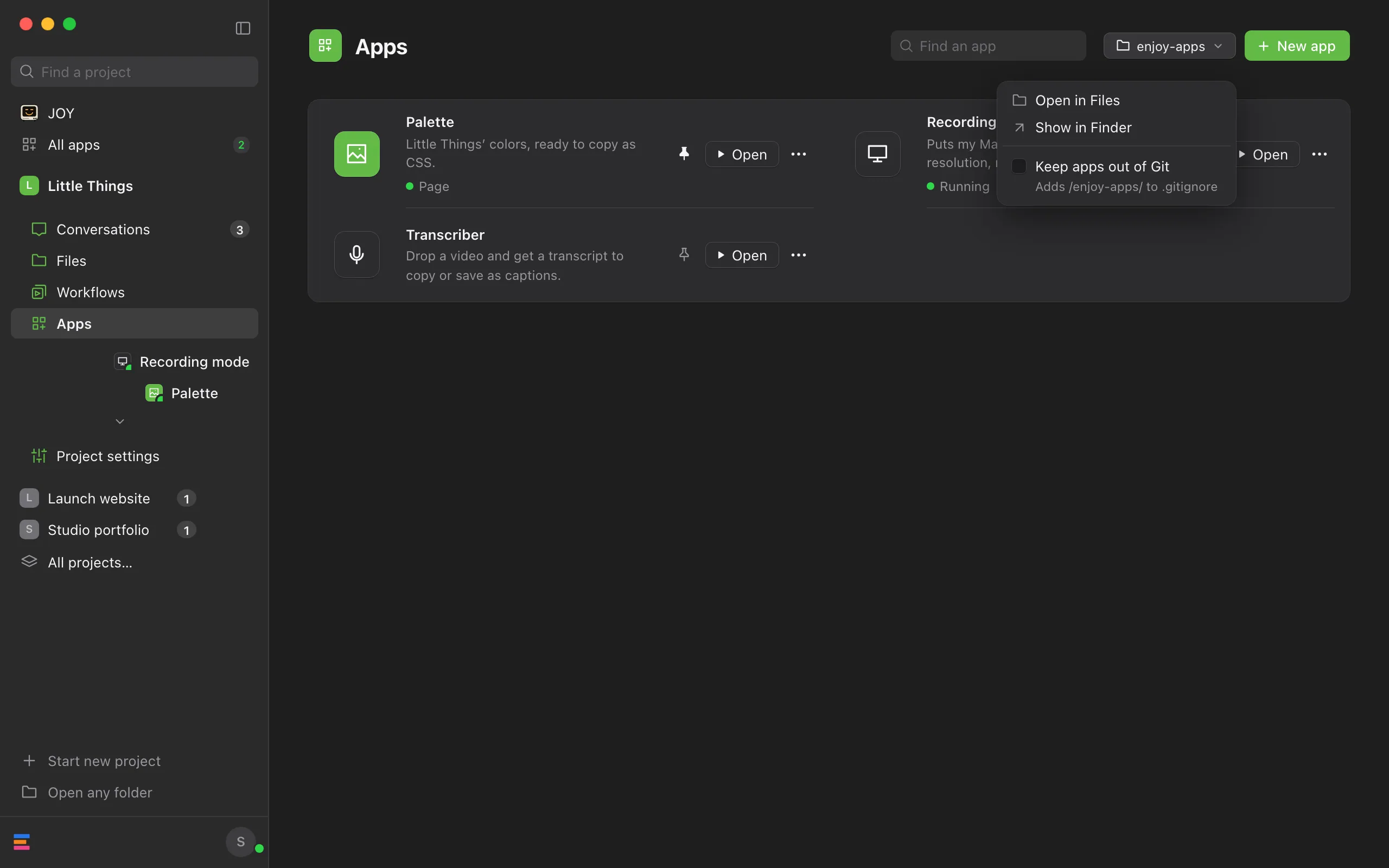
Check Keep apps out of Git
Enjoy adds the line
/enjoy-apps/to the.gitignorefile in your project folder, under# Enjoy apps, so Git no longer saves your apps or their changes. The menu stays open, so you can see the result.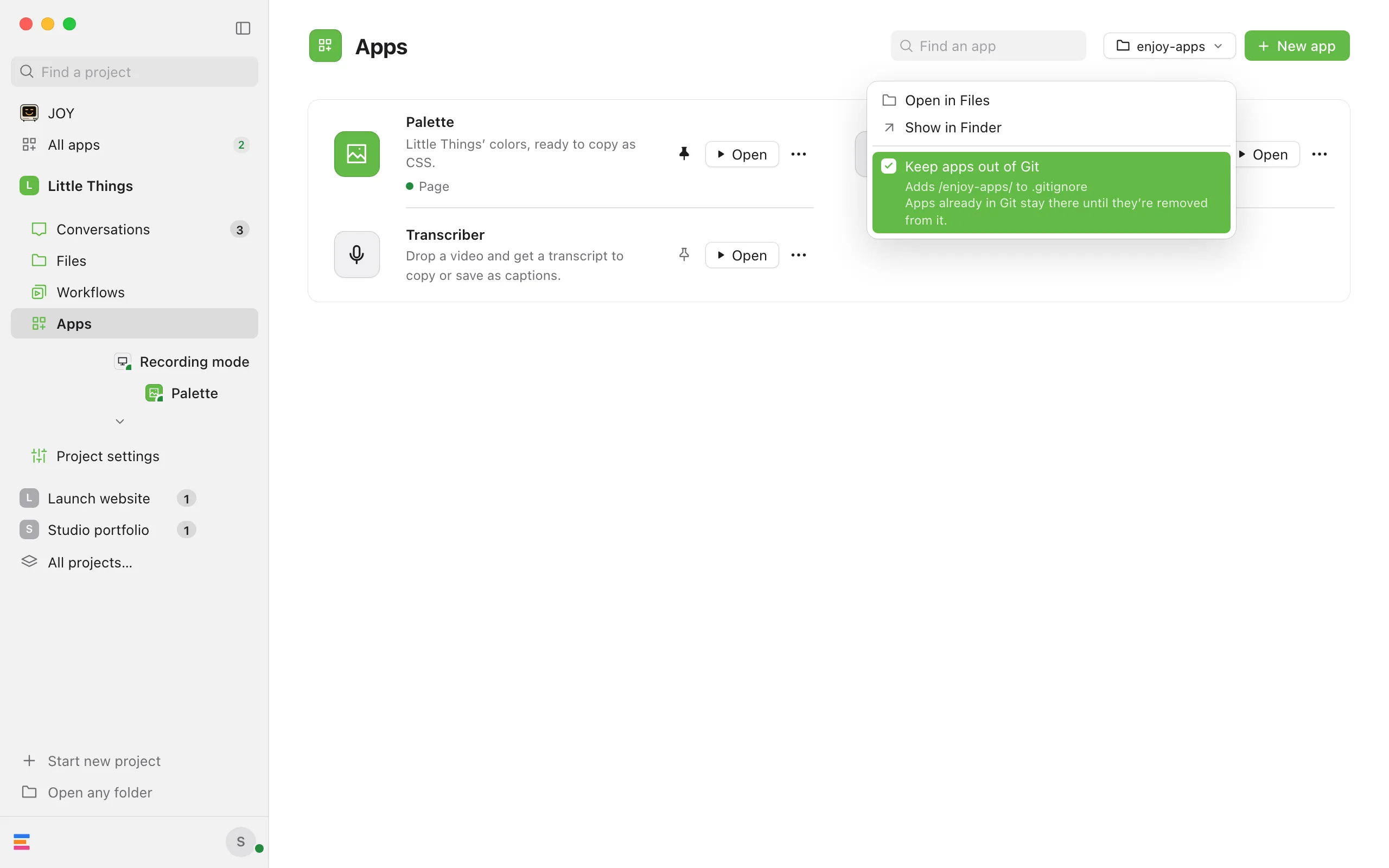
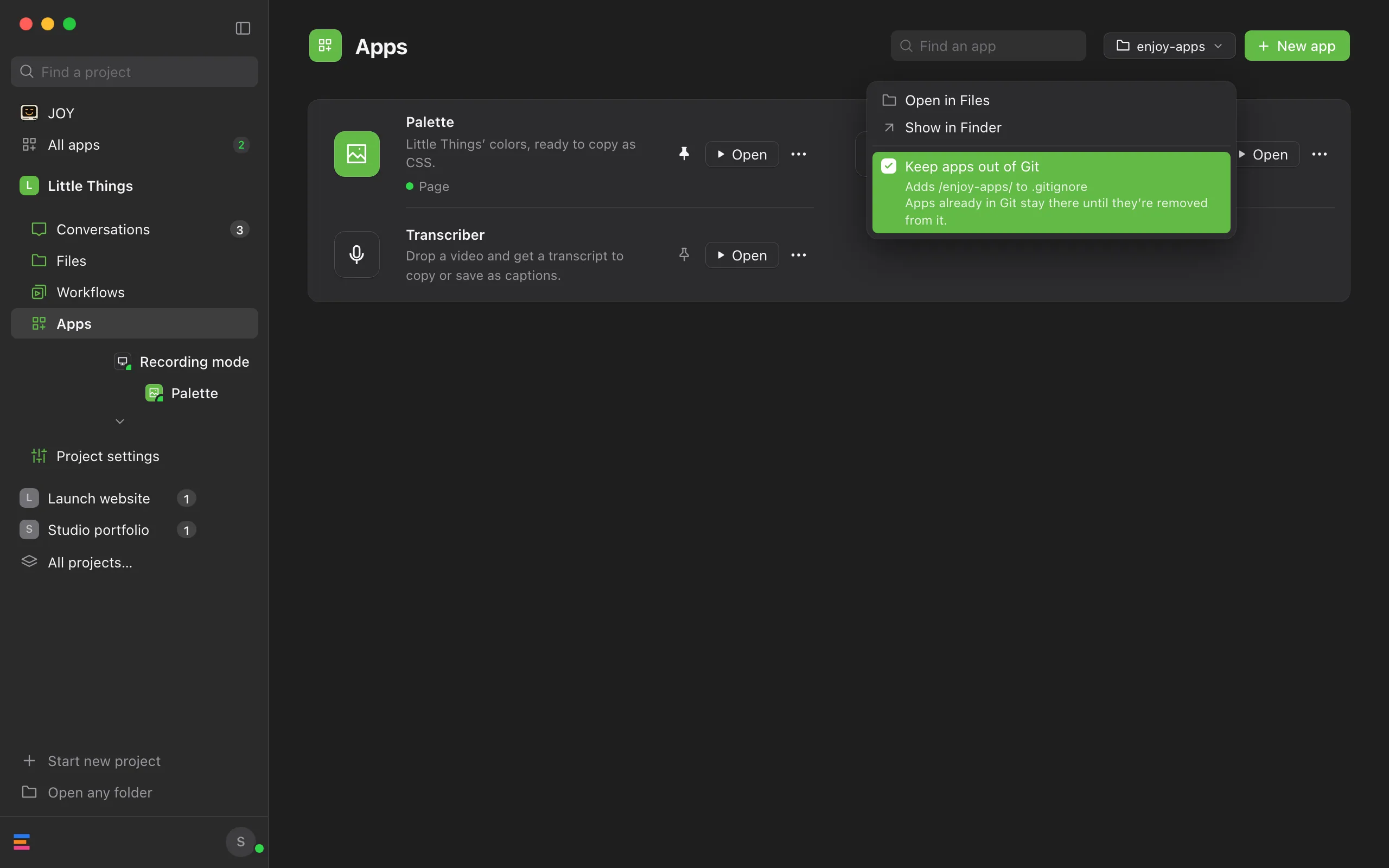
Clear it to save apps in Git again
Choose Keep apps out of Git once more. Enjoy removes the two lines it added and leaves the rest of the file as it was.
Good to know
- Apps already in Git stay there. If your apps were saved in Git before, the menu says “Apps already in Git stay there until they’re removed from it.” To take them out while keeping them on your computer, ask an agent to remove the
enjoy-appsfolder from Git but keep its files. - If another rule in your project already keeps
enjoy-appsout of Git, the box is checked and greyed out, and the menu says “Git already ignores enjoy-apps through another rule.” - Enjoy changes
.gitignoreonly when you use this box. .gitignoreis one of your project’s files. Once you save it in Git, the choice applies to everyone who gets the project from Git.- Open in Files opens the
enjoy-appsfolder in Files. It’s greyed out until the project has an app. - Show in Finder shows the folder on your computer. On Windows it’s Show in File Explorer, and on Linux Show in file manager. If the project has no
enjoy-appsfolder yet, Enjoy makes it first. - Each app’s packages and saved data never go into Git either way: the
enjoy-appsfolder has a.gitignoreof its own fornode_modules,.venv,__pycache__, and.data. - Keep passwords and other secrets out of apps either way. See Keep passwords and API keys safe.
If something goes wrong
“The project’s .gitignore isn’t a plain file, so Enjoy leaves it alone.”
It comes after “Couldn’t change .gitignore:”. Your project’s .gitignore is a link to another file. Add or remove the line /enjoy-apps/ in that file yourself, or ask an agent to.
A grey line starts with “Git couldn’t check the apps folder”
Git didn’t answer, and the rest of the line says why. Keep apps out of Git still works, but the menu can’t say whether apps are already in Git.
“Couldn’t check the enjoy-apps folder”
Enjoy couldn’t read the folder or the .gitignore file. Close the menu and open it again to retry.
“Unable to show the apps folder”
It appears at the top of Apps with the reason. Check that the project’s folder is still where Enjoy expects it.