Open the preview in your usual browser
Steps
Show the product browser
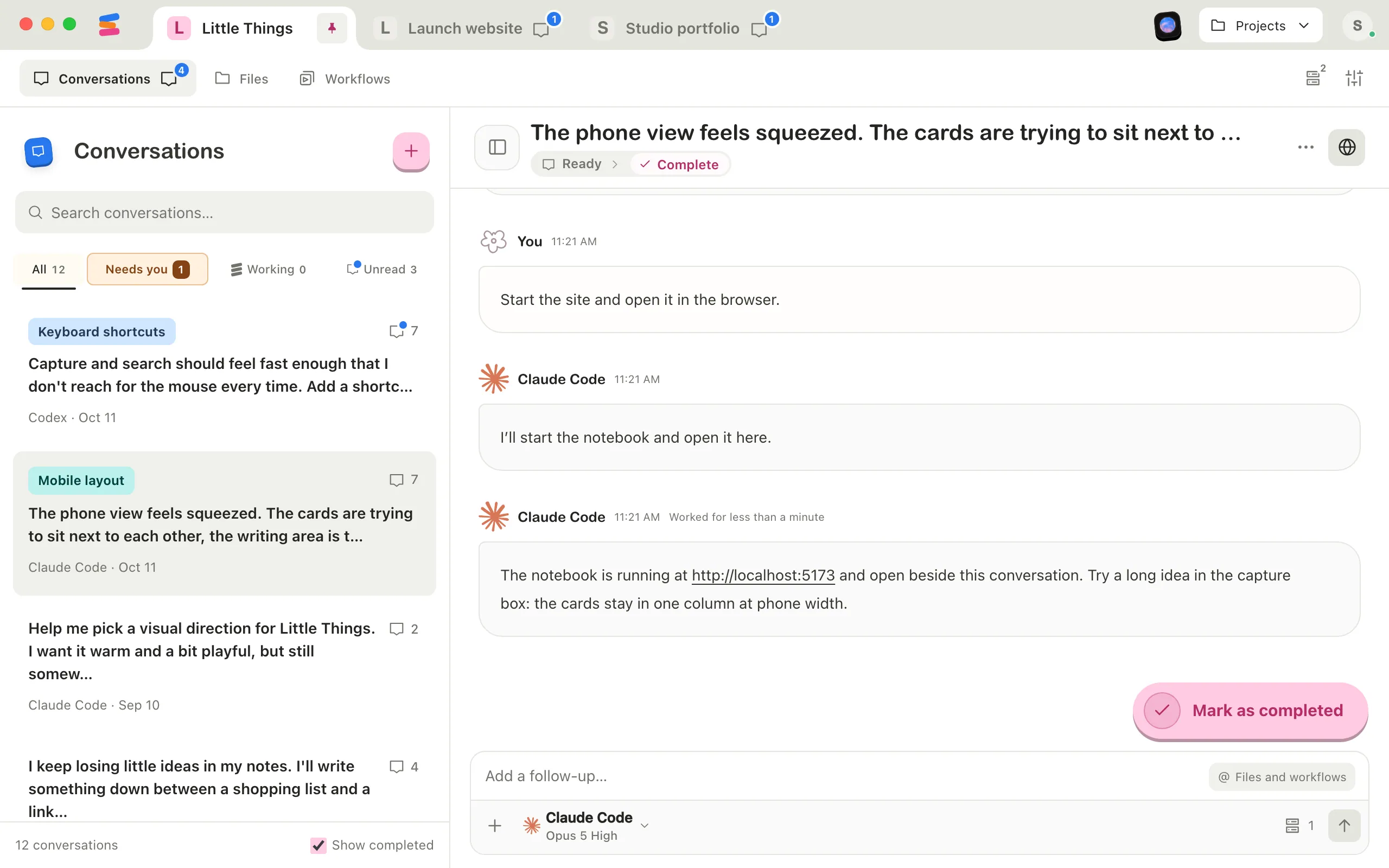
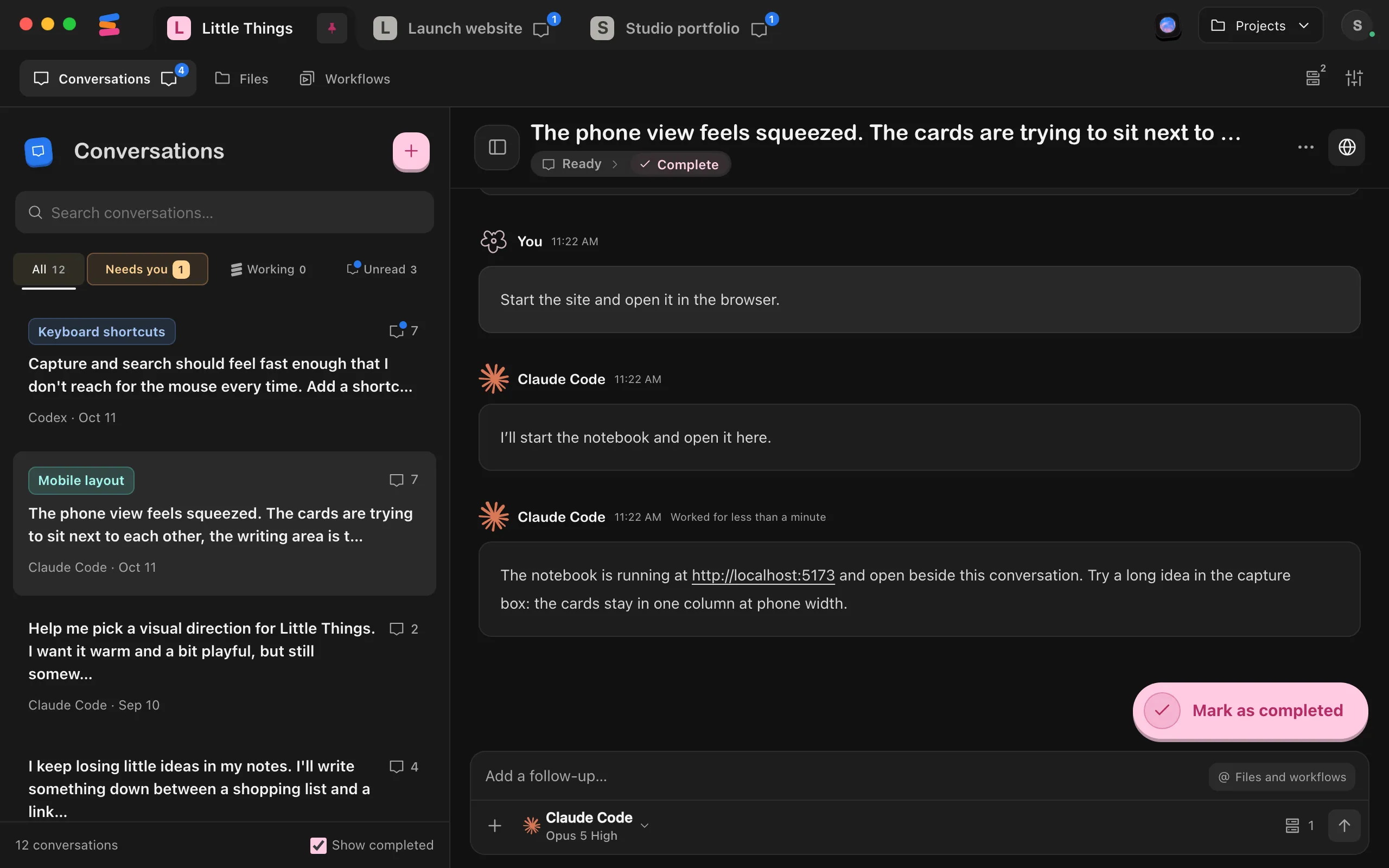
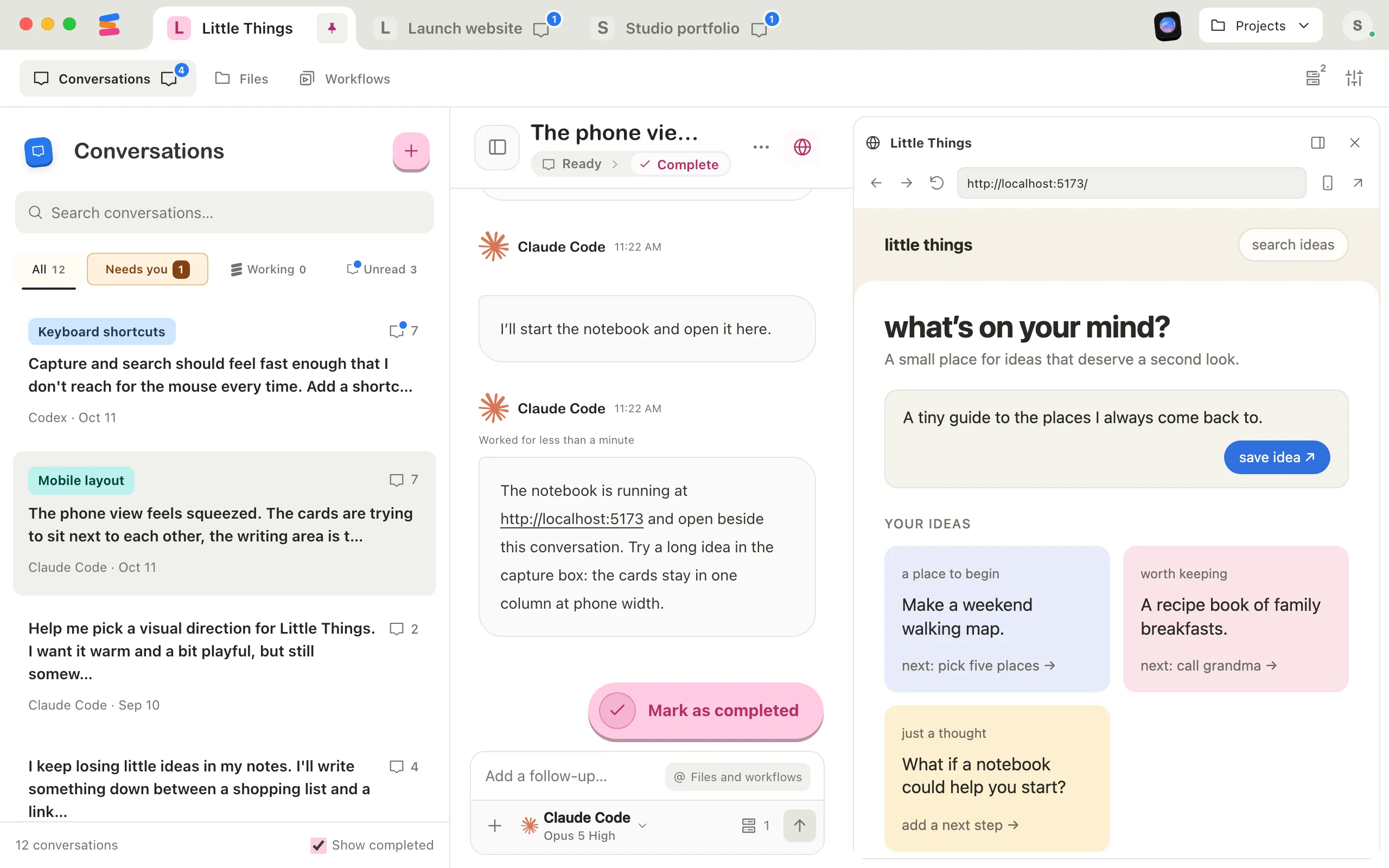
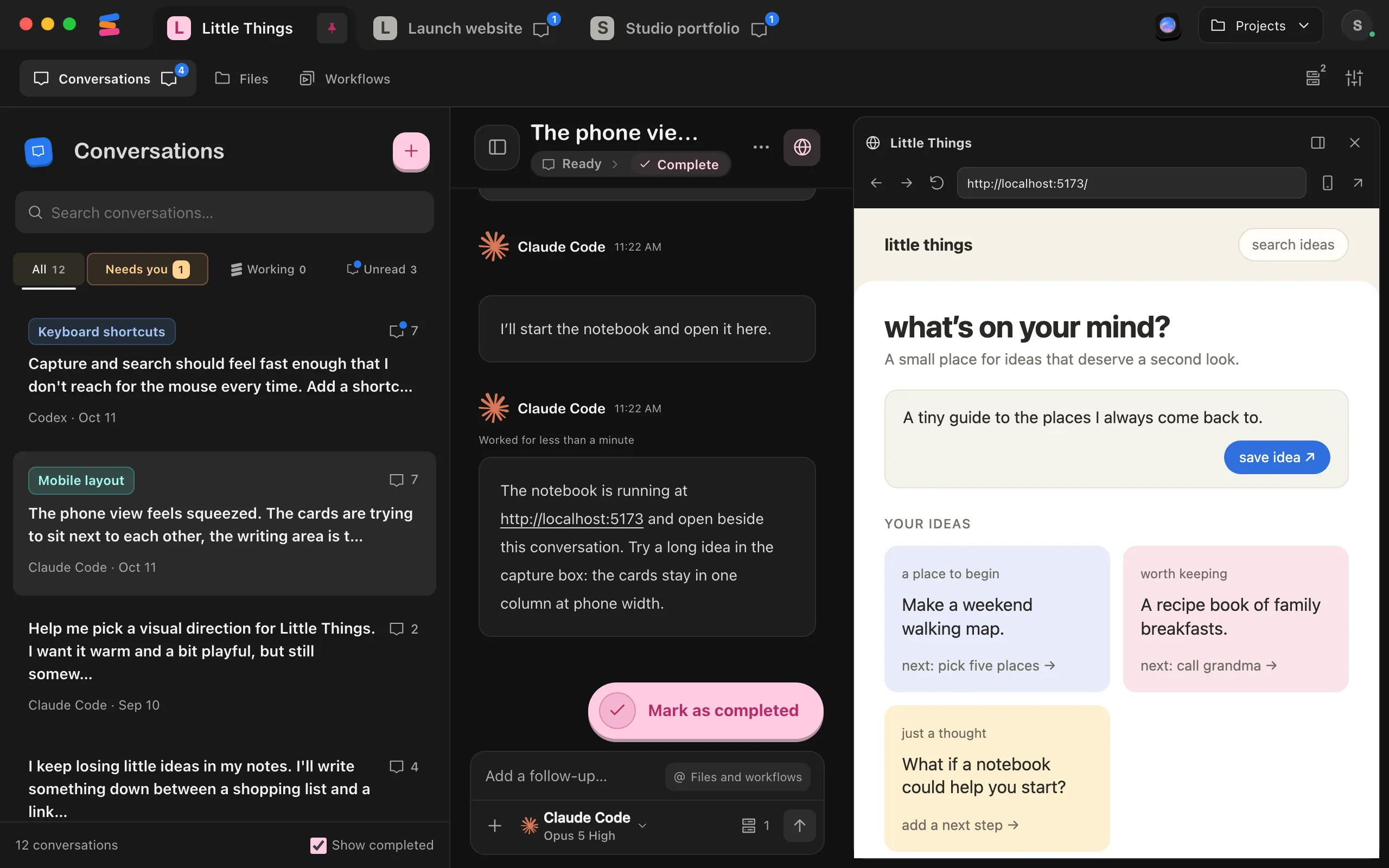
Open the conversation. If the browser is hidden, select Show product browser, the globe button at the top right of the conversation.
Go to the page you want
Use the page or the address box until it shows the page you want to open.
Select Open in external browser
It’s the arrow button at the right end of the toolbar. The page you’re on opens in your computer’s default browser.
Good to know
- Your browser has its own sign-ins. It doesn’t share the built-in browser’s saved logins, so you may need to sign in again.
- Some links skip the built-in browser. In a conversation, links to websites on the internet, and links to files such as .zip, .pdf, or .csv, open in your default browser even when the file is on your computer.
- Use your browser for downloads and pop-up windows. The built-in browser doesn’t download files or open separate windows.
- The address only works where the site runs. An address like http://localhost:3000 opens the site on the computer that runs it, and only while it’s running.
- In the web app, select Open product in a new tab, the arrow button at the right end of the product browser’s toolbar. It becomes available once the site has loaded.
- In the iPhone app, open the site from the row under the conversation’s title, then select Open in Safari.
- In the computer app viewing another computer’s project, select Open in external browser, as on your own computer.
If something goes wrong
“Unable to open the link in your default app”
Enjoy couldn’t hand the page to your browser. Check that your computer has a default web browser set in its settings, then try again.
Open product in a new tab is greyed out
The site hasn’t finished loading in the web app yet. Wait for it to appear, or select Refresh product.