Give the preview more room
Steps
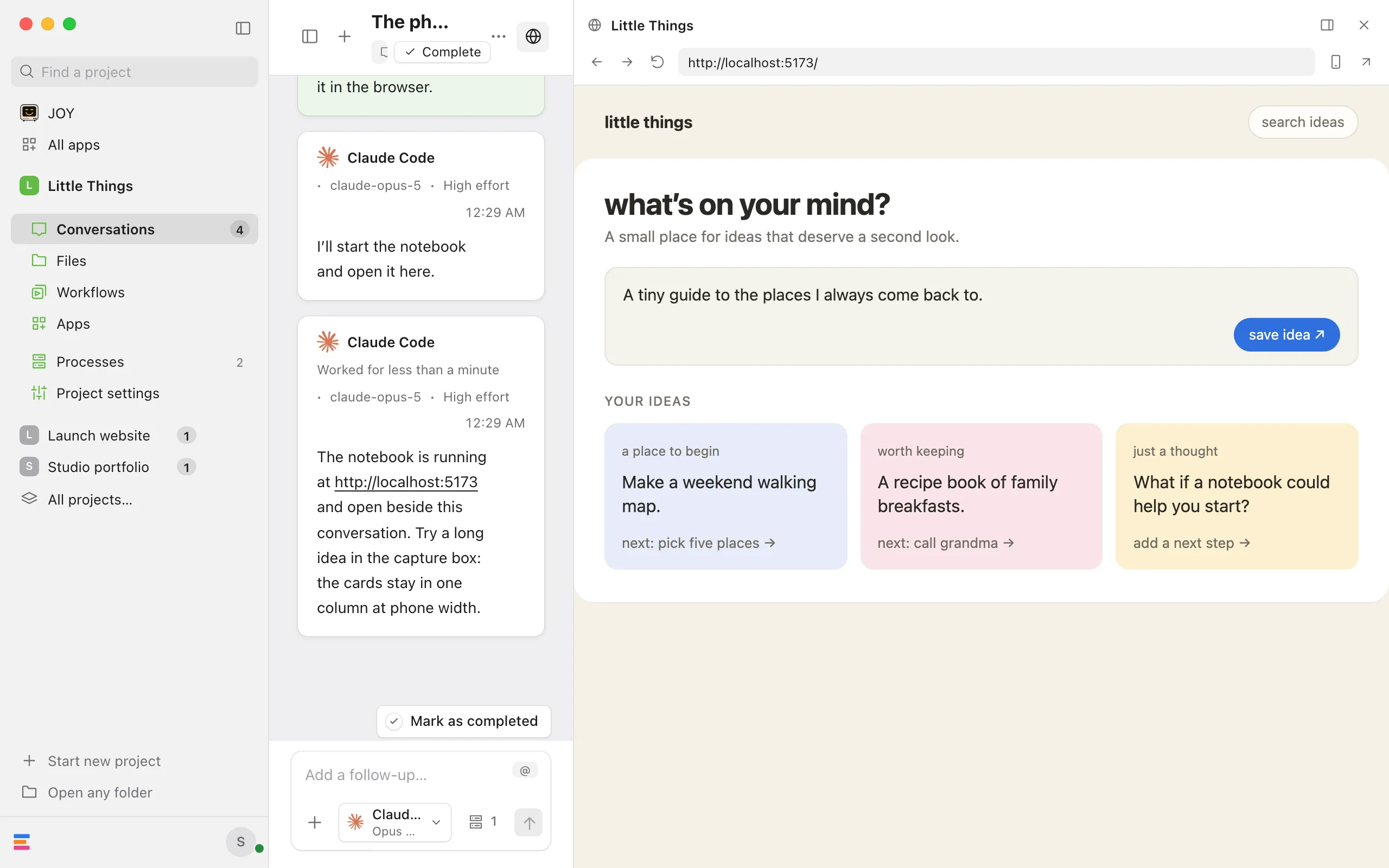
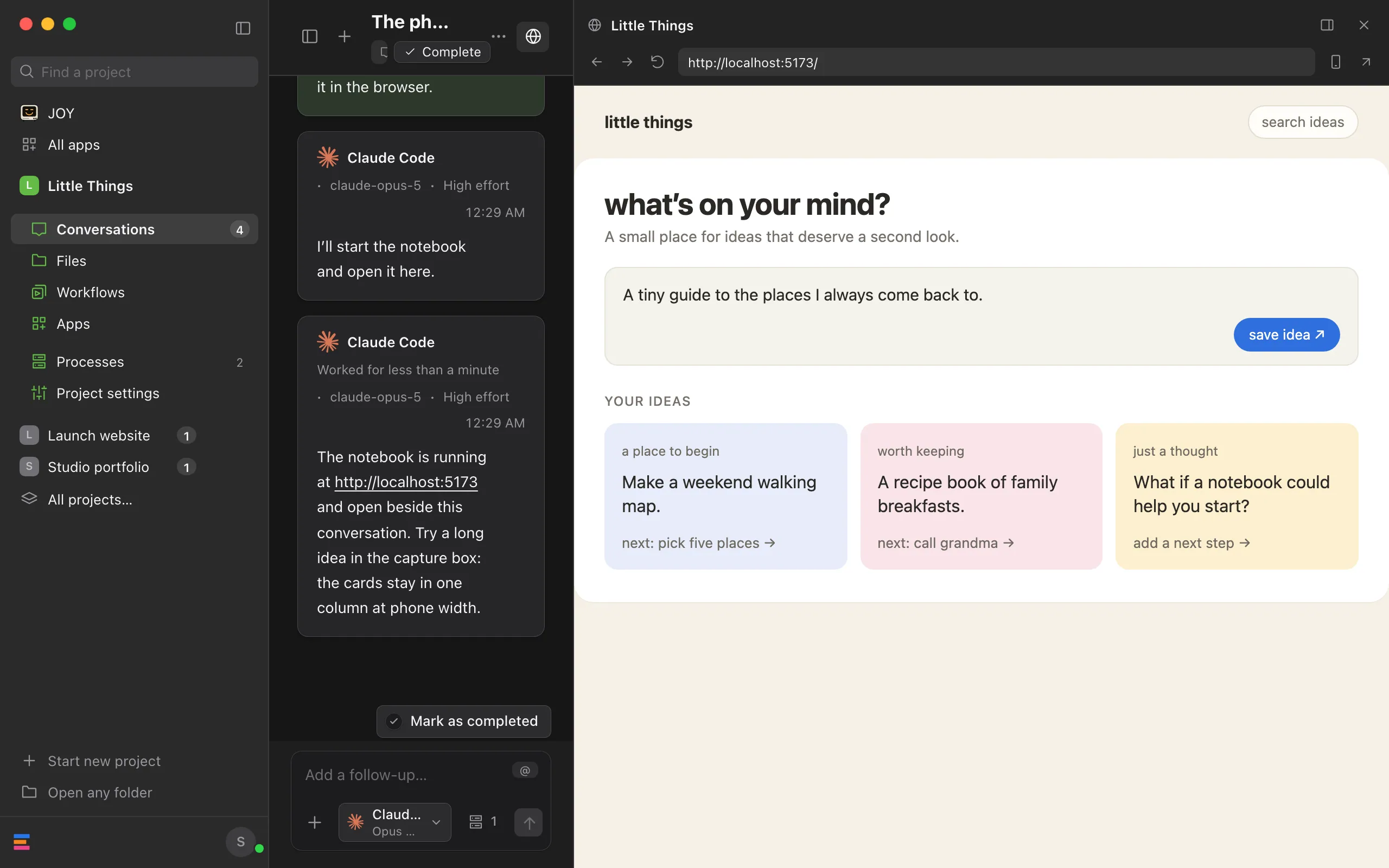
Select Expand product
It’s the panel button next to the × at the top of the product browser. The browser takes most of the window, the conversation narrows beside it, and the conversation list is hidden.
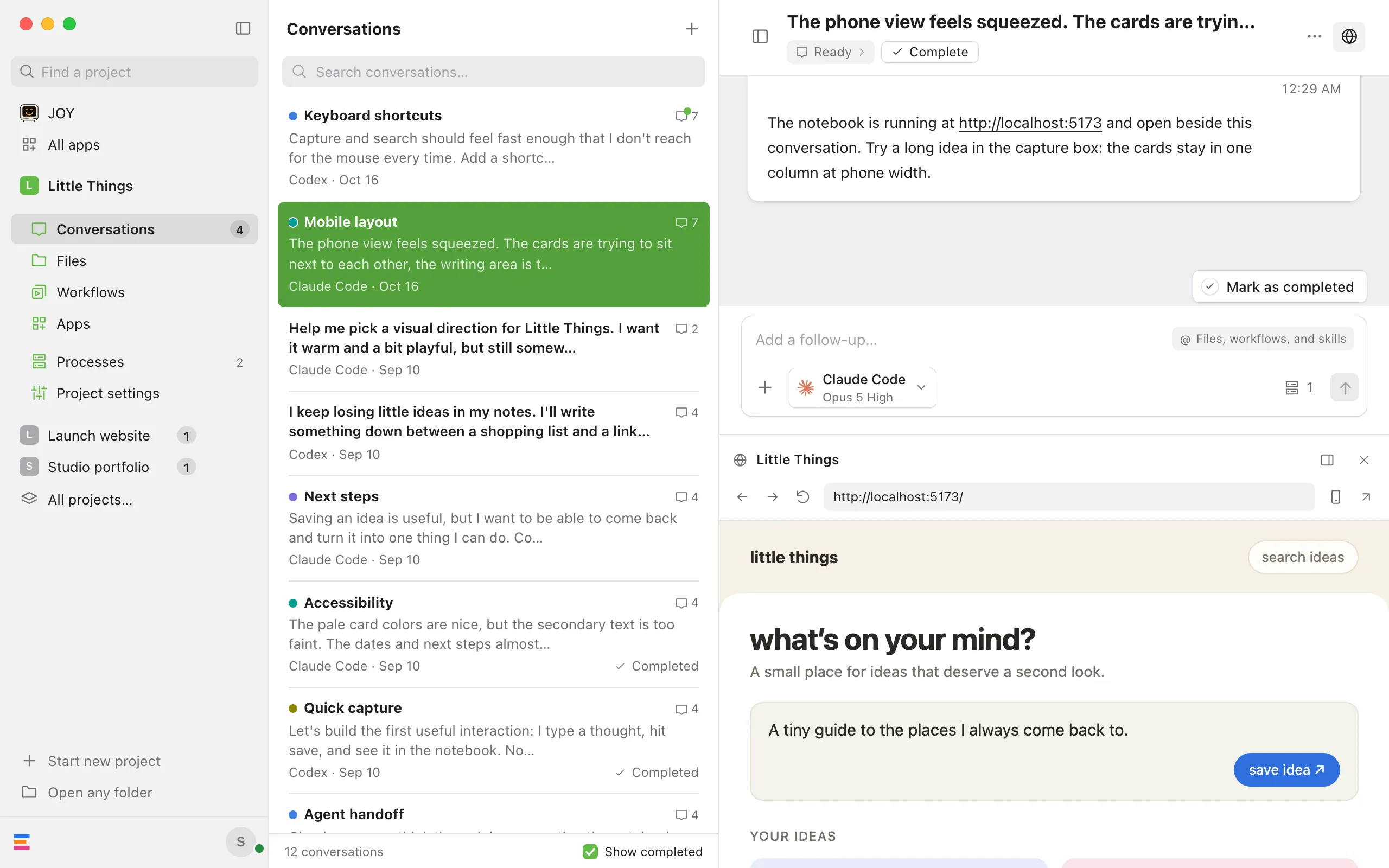
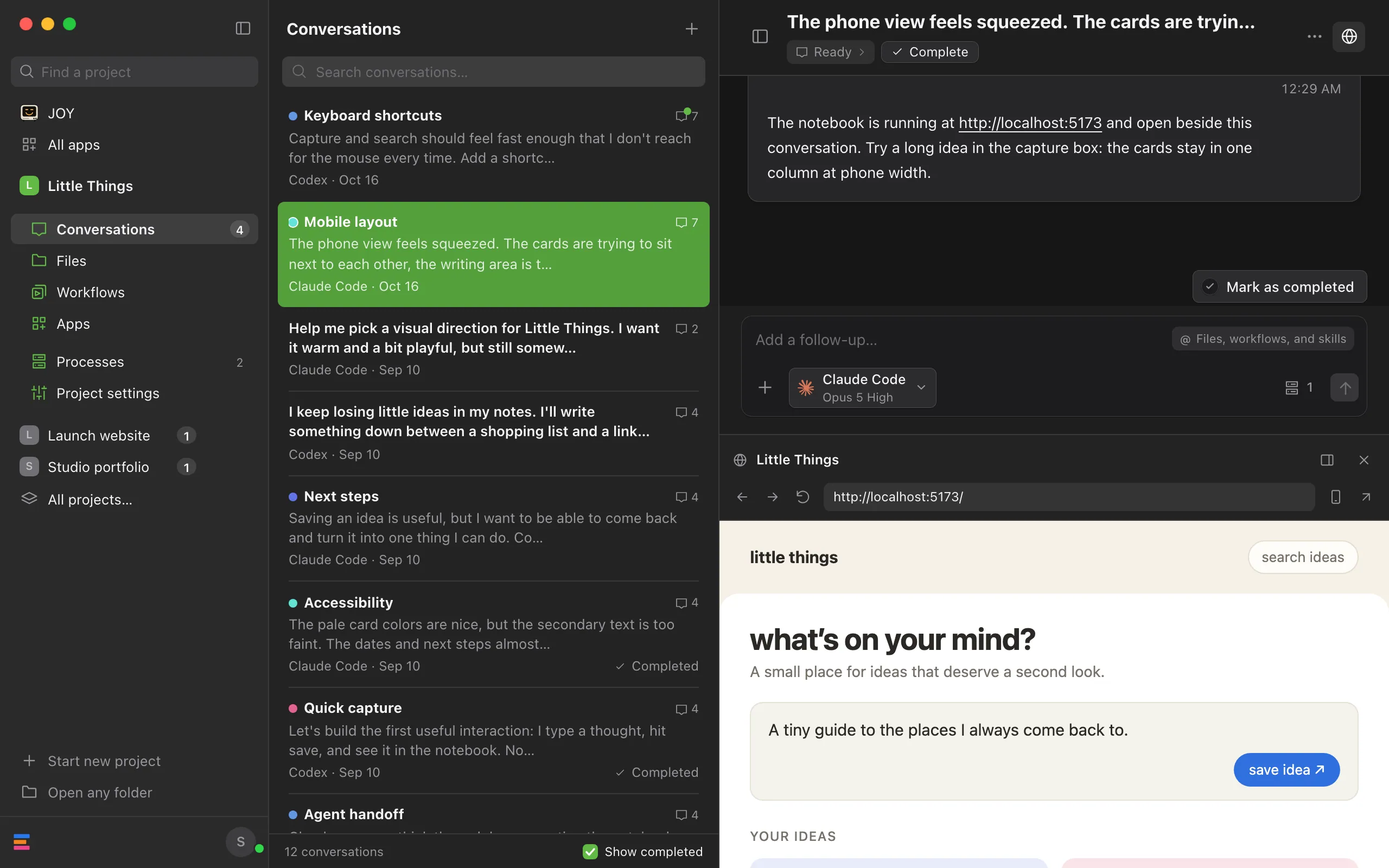
Adjust the split, if you like
Drag the edge between the conversation and the browser. Double-click the edge to go back to the default size.
Switch back
Select Show conversation list, the same button. The browser returns to its earlier size and the conversation list comes back.
Good to know
- Showing the conversation list in any other way also switches back: select Conversations in the rail on the left side of the window, select Show conversation list at the top left of the conversation, or press ⌘\ on a Mac, or Ctrl+\ on Windows and Linux.
- Enjoy remembers for each conversation, on this device, whether the browser is expanded and how wide you made it in each layout.
- Hiding the browser also ends the expanded layout.
- The edge you drag appears only when the conversation and the browser together are wider than 730 pixels.
- In the web app, the same button appears when the window is wide enough to show the site beside the conversation. In a narrow window, the site opens over the conversation instead. See See your site from the web app or your iPhone.