Manage or cancel your subscription
Billing is handled on a secure page from Stripe, Enjoy’s payment provider. You open it from your account in the computer app or the web app.
Steps
Open your account
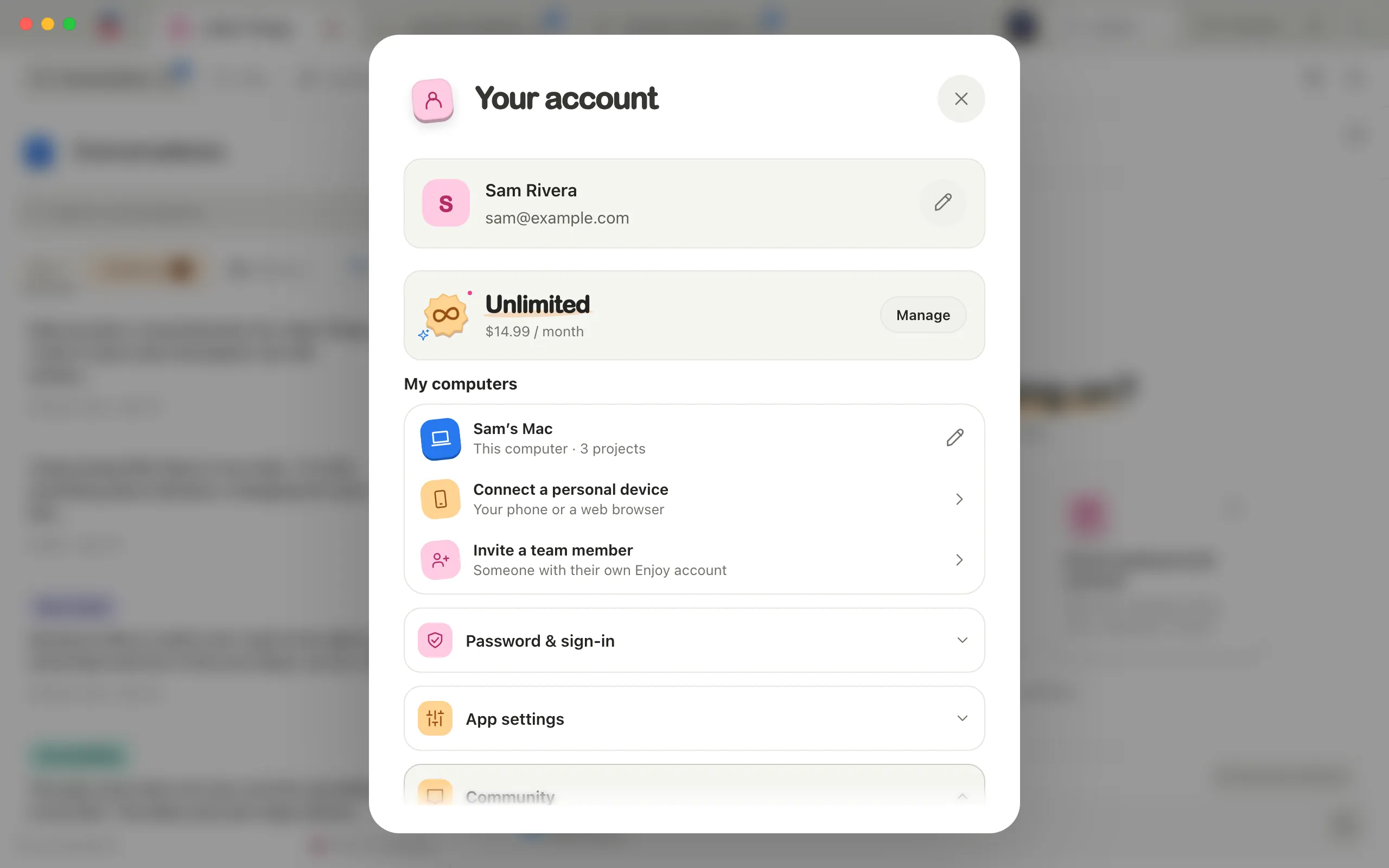
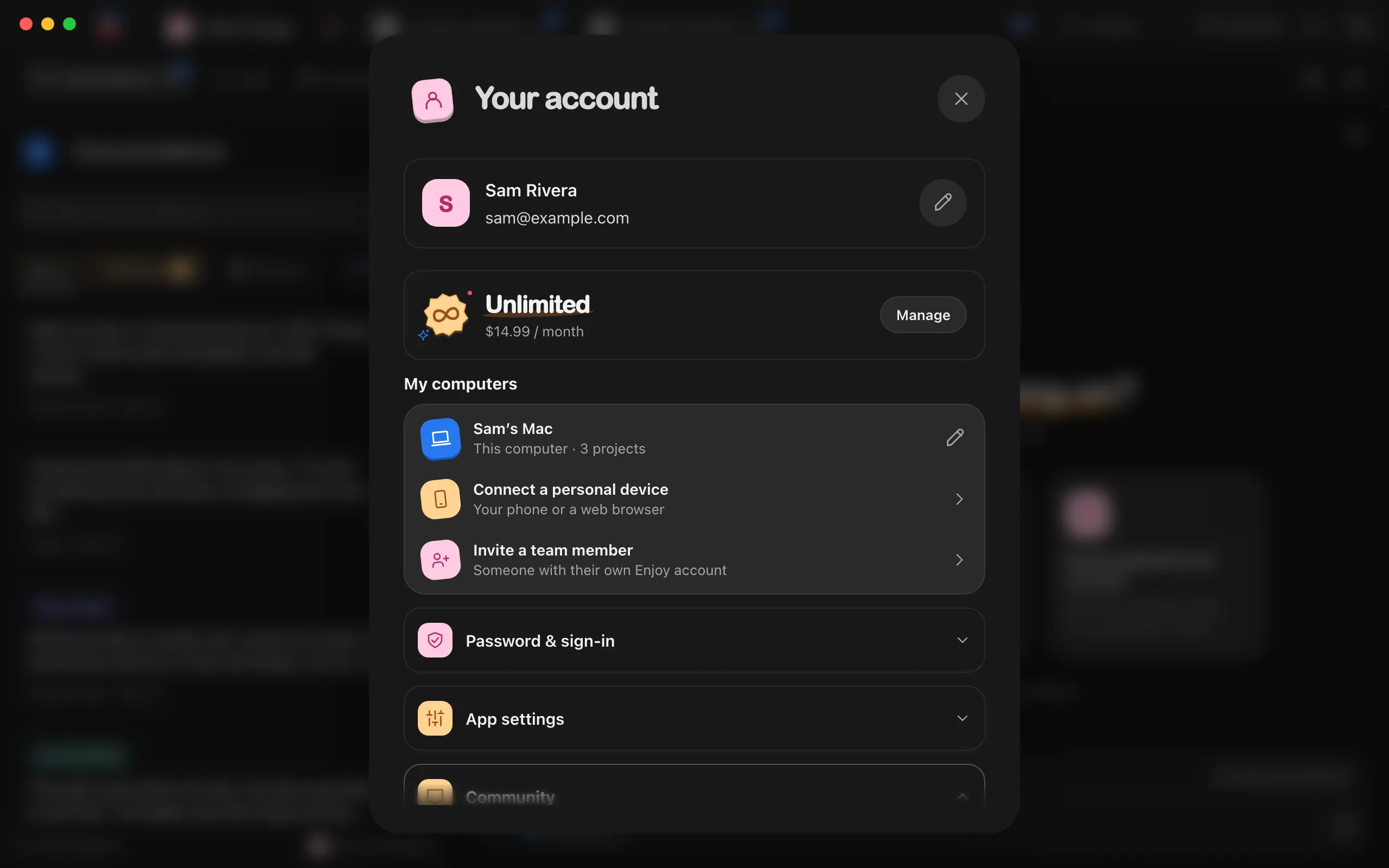
Select the circle with your initial in the top-right corner of Enjoy. The Your account window opens.
Select Manage
It’s beside Unlimited and its monthly price, near the top of the window.
Make your change
The billing page opens in your web browser. In the web app, it opens in the same tab. Update your payment method, look at past invoices, or cancel.
Return to Enjoy
In the computer app, switch back to Enjoy. In the web app, use the billing page’s link back to Enjoy. Your account updates on its own.
Good to know
- Cancelling during your free trial means you won’t be charged. Unlimited keeps working until the trial ends.
- If your free trial started without a card, your account shows when the trial ends, with Add a card. Select it to add one on the billing page, and Unlimited continues after the trial. Enjoy also emails you three days before the end. Without a card, the trial simply ends and nothing is charged.
- Cancelling takes effect at the end of the period you’ve paid for. Until then, Unlimited keeps working and your account shows Your subscription ends with the date. After that, Enjoy shows Restore Unlimited instead of your projects. See The Unlimited plan and free trial.
- The billing page doesn’t switch plans. Unlimited is Enjoy’s only plan.
- Extra computers are added and removed in Enjoy, not on the billing page. They’re listed under your plan as Extra computer, with how many you pay for. See Add another computer to your plan.
- If you pay for extra computers that no computer uses, a button such as Stop paying for 1 unused extra computer appears under your plan. Select it to lower your bill.
- The iPhone app shows your plan in Settings, but billing changes happen in the computer app or the web app.
- For questions about a charge, email help@enjoy.dev. See Contact support.
If something goes wrong
Billing is temporarily unavailable
Enjoy couldn’t reach its billing service. Wait a minute and select Manage again. If it keeps happening, see Fix connection problems or Contact support.
Sign in to manage billing.
Your session on this device ended. Select Sign out, sign in again, then select Manage.